
Playback & playlists
- Default playlist with drag reorder
- Video, audio & Image slideshows
- Preview staging window & take to program
- Automatic advance & loop options
Sha's Player is built for houses of worship, studios, and live events. Schedule content, switch live sources, composite overlays, and feed program to monitors or DeckLink hardware.
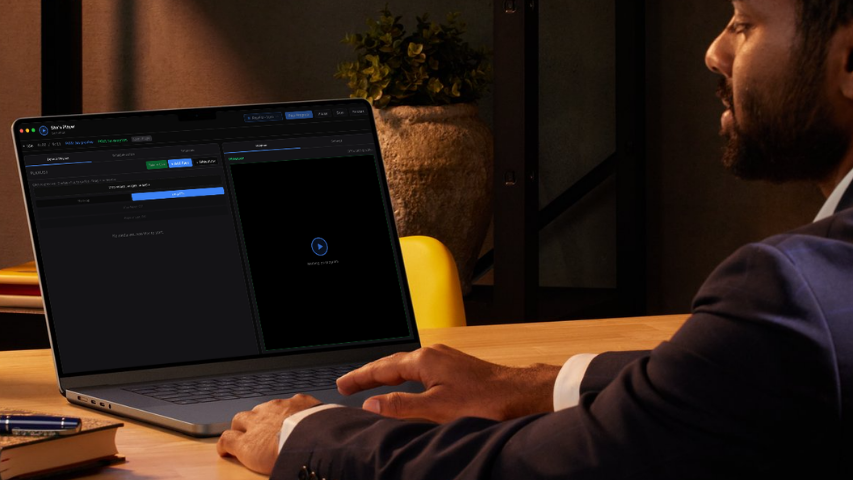
From simple playlist loops to multi-output broadcast workflows with SDI and scheduled programming.
Every tier includes secure licensing and one active app seat per key.
| Feature | Lite | Pro | Ultra |
|---|---|---|---|
| Playlist playback | ✓ | ✓ | ✓ |
| Live sources | — | ✓ | ✓ |
| Image overlays | — | 3 layers | Unlimited |
| HTML / ticker / video overlays | — | — | ✓ |
| Monitor outputs | 1 window | Multiple | Multiple |
| Scheduled Play | — | — | ✓ |
| SDI / DeckLink | — | — | ✓ |
| ATEM keying | — | — | ✓ |
| Resolume Arena Plugin | Soon | Soon | Soon |
| OBS/VMIX Plugin | Soon | Soon | Soon |
Start with a free 3-day Pro trial, then choose the plan that matches your production.
Essential playlist playback for a single output.
Live production with overlays and multiple outputs.
Full broadcast stack with schedule, SDI & ATEM keying.
Real UI layouts from Sha's Player — dark broadcast theme, preview/program workflow, and deep settings.
Playlist library, program preview, playback controls, and staging workflow in one view.
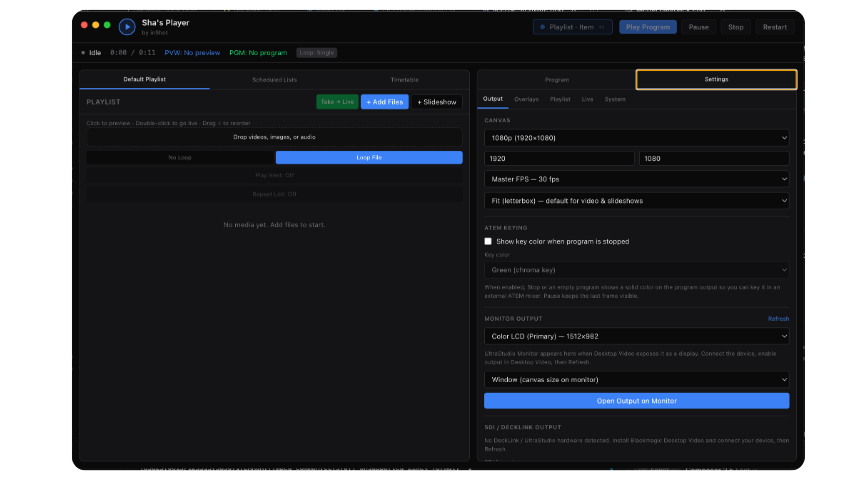
Canvas presets, monitor output, SDI/DeckLink, and ATEM keying options.
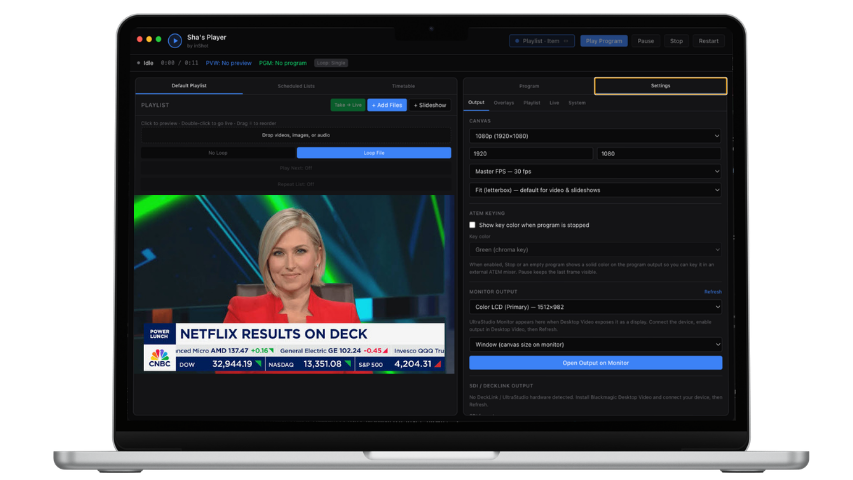
Live source switching with overlay stack and scheduled list management.
Release notes are updated from the website admin panel.
Live Mixer, Livestream
Bug Fix,web local out,syphon out,
More Output Support, Overlay Graphics
Live Camera,Playlist,Audio Route
Schedule reliability, licensing migration, live audio fixes.
Initial Release
Reach the inShot team for licensing, support, or product ideas.